Landlord track
Landlord Guides
Step-by-step walkthroughs for Nigerian landlords using Tenantify to collect rent, manage estates, and delegate to property managers.

Tenantify is built for Nigerian landlords who collect rent across multiple estates and want receipts, records, and renewals to happen without WhatsApp chaos. These guides walk you from sign-up to recurring rent collection, and each one covers a single task end to end.
If you are onboarding today, start with Getting Started and work through the guides in order. Each step assumes you completed the previous one.
Step-by-step guides

Getting Started as a Landlord
beginnerOpen a Tenantify landlord account, verify your email, and reach a dashboard ready to list your first estate. About ten minutes, start to finish.
10 min·5 min read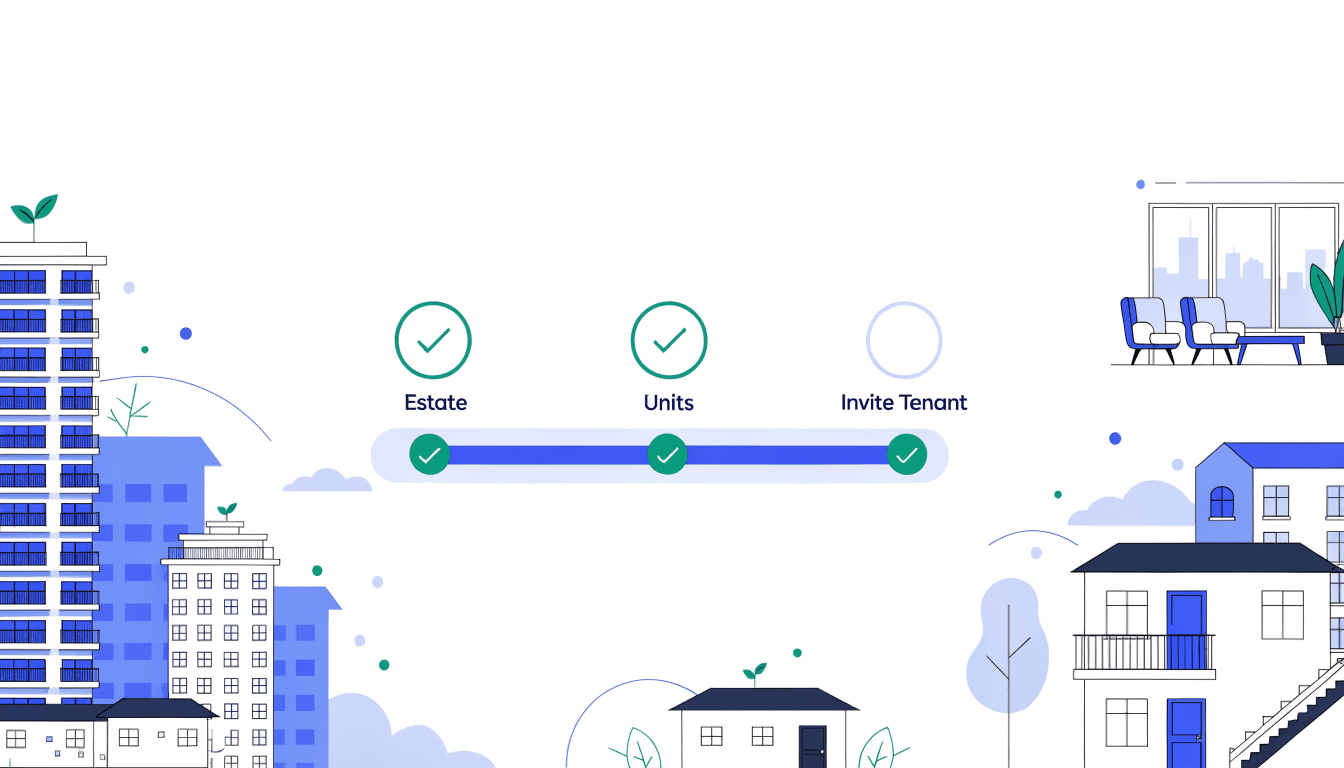
Your First-Time Setup Wizard
beginnerWhen you click Create Estate on an empty Properties page, Tenantify hands you to a three-phase wizard — estate, units, tenant invite — that finishes in about ten minutes.
10 min·9 min read
Creating Your First Estate
beginnerRegister your property on Tenantify as an estate. Every unit, tenant, lease, and payment you handle will hang off this one record.
5 min·4 min read
Adding Property Units to Your Estate
beginnerCreate the individual rental units inside your estate. Each one carries its own rent, lease, service charge, and eventual tenant.
8 min·4 min read
Inviting Your First Tenant
beginnerSend one email. Your tenant creates their own Tenantify account. Lease terms are set in the next step, after they accept.
4 min·4 min read
Configuring the Tenancy Agreement
intermediateSet lease dates, rent, deposit, service charge, payment frequency, and late-fee rules. This step creates the lease and turns on the payment schedule.
10 min·9 min read
Collecting Rent via Paystack
intermediateLink a Paystack subaccount to your Tenantify profile so rent from your tenants settles to your bank within a day, every time.
15 min·5 min read
Inviting a Property Manager
intermediateDelegate day-to-day operations to a property manager with nine granular permissions per estate. You keep the money; they handle the people.
8 min·5 min read
Setting Up Your Paystack Bank Account
beginnerLink your Nigerian bank account so Tenantify can settle rent directly to you. T+1 settlement, full rent amount, no deductions.
10 min·4 min read
Managing Your Leases
beginnerTrack lease statuses, spot expiring agreements early, and understand what each status means for your tenants and your cash flow.
6 min·3 min read
Scheduling Meetings
beginnerSchedule virtual meetings with tenants or property managers, add Google Meet links, and track meeting status from your dashboard.
5 min·2 min read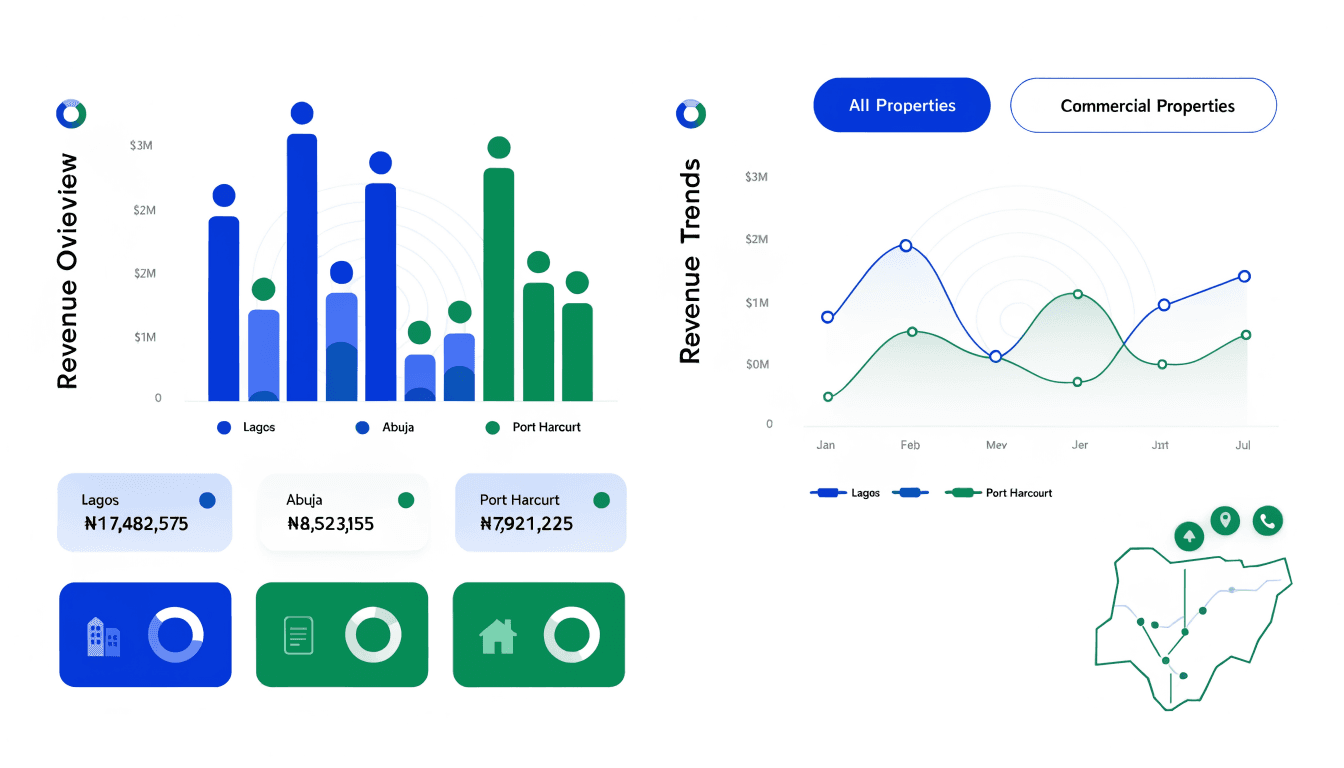
Reading Your Payment Dashboard
beginnerUnderstand every number on your Payments page: revenue, collections, platform fees, outstanding amounts, and per-tenant schedule status.
5 min·3 min read
Securing Your Account
beginnerEnable two-factor authentication and update your password. Your account controls rent collection — secure it before the first tenant pays.
5 min·2 min read
Feature catalog
Every Tenantify feature available to you as a landlord.
| Feature | What it does | Where to find it | Guide |
|---|---|---|---|
| Estate Creation | Register an estate with address, amenities, and contact details so Tenantify can associate units, tenants, and payments to it. | My Estates → New Estate | Read |
| Property Units | Add individual units to an estate with bedrooms, rent, and service charge amounts. | Estate details → Property Units | Read |
| Tenant Invitations | Send an email invite so a tenant can self-register. Invitations expire after 7 days. Lease terms are configured separately, after acceptance. | Tenants → Invite | Read |
| Tenancy Agreement Configuration | After a tenant accepts, you configure lease dates, rent, deposit, service charge, payment frequency, and late-fee rule. This creates the lease and generates the payment schedule. | Tenants → tenant row → Configure Agreement | Read |
| Lease Agreements | Leases progress through DRAFT → PENDING → ACTIVE → EXPIRING_SOON → EXPIRED → RENEWED/TERMINATED. Visible to you on Leases; tenants see their own on their dashboard. | Leases (sidebar) | — |
| Rent Collection via Paystack | Tenants pay the full rent plus a 3% platform fee (capped at ₦50,000 per period) through Paystack. You receive 100% of the configured rent; the fee is fee-on-top, paid by the tenant. | Payments (sidebar) | Read |
| Service Charges & Fees | Configure recurring service charges, late penalties, and agency fees per unit or estate. | Accessible via /fees (not in sidebar) | — |
| Payment Summary & Analytics | See collected, pending, and overdue rent at a glance. Filter by estate, unit, or month. | Accessible via /analytics (not in sidebar) | — |
| Compliance & Authorization Letters | Issue and resend bank authorization letters required for Paystack subaccount verification in Nigeria. | Admin → Compliance | — |
| Paystack Bank Setup | Link your Nigerian bank account so Tenantify can settle rent directly to you. T+1 settlement, no deductions from your rent. | Settings → Payment tab | Read |
| Lease Management | Track lease statuses (Active, Expiring Soon, Expired), search by tenant or estate, and understand the automatic status lifecycle. | Leases (sidebar) | Read |
| Scheduling Meetings | Schedule virtual meetings with tenants or property managers, add Google Meet links, and manage meeting status. | Meetings (sidebar) | Read |
| Payment Dashboard | Read your revenue, collections, platform fees, and outstanding amounts. Filter by month and track per-tenant payment status. | Payments (sidebar) | Read |
| Account Security | Enable two-factor authentication, change your password, and verify your profile details. | Settings → Security tab | Read |
| Property Manager Delegation | Invite a property manager with nine granular permissions per estate, covering unit management, tenant onboarding, financial controls, and inspections. | Property Managers (sidebar) | Read |
| Multi-Factor Authentication | Enable TOTP-based MFA to protect access to your rent collection account. | Settings → Security | — |
| Bulk Charges (admin-assisted) | For estates with many tenants, request admin-initiated bulk charges that run against the payment schedule. | Contact support | — |
Ready to put this into practice?
Create your Tenantify account and onboard your first estate in five minutes.
Start free