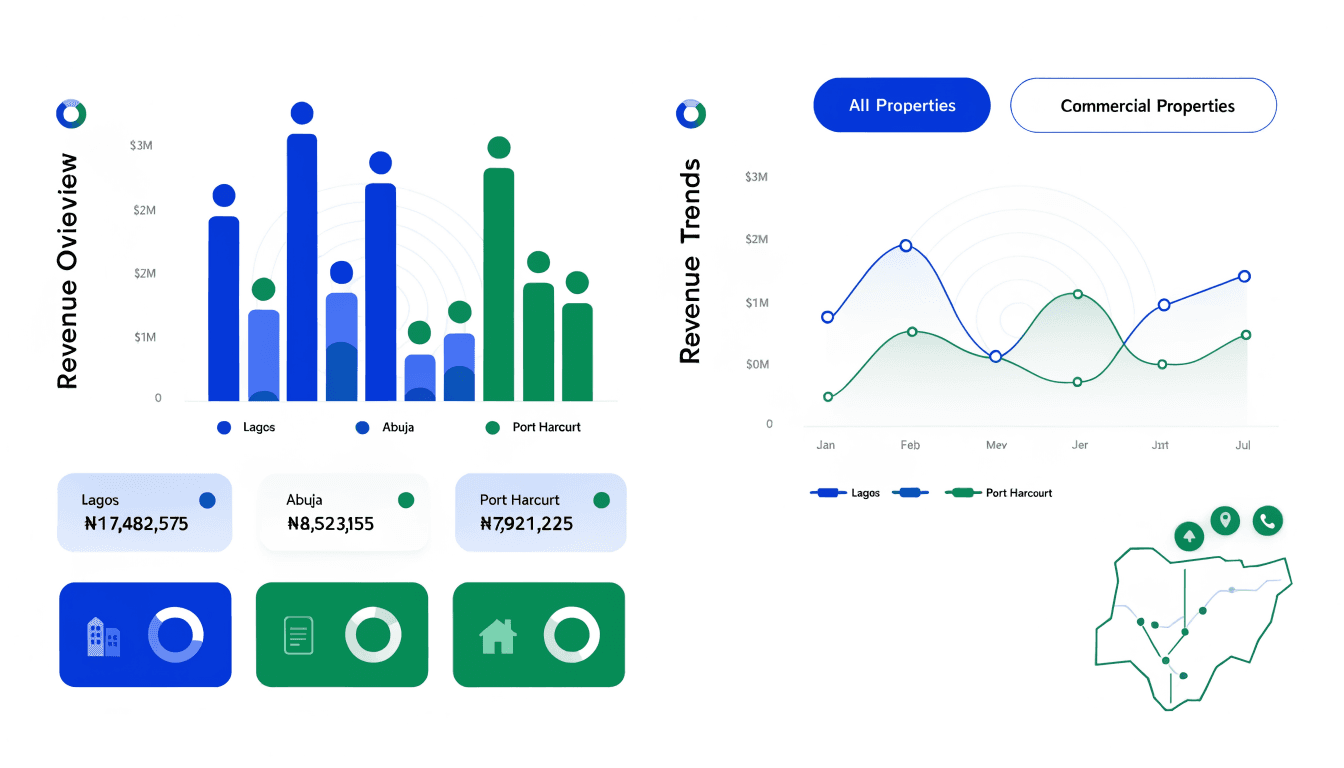
Once tenants start paying, the Payments page becomes the financial heartbeat of your portfolio. This guide explains what each metric means and how to use the month filter to track collection performance.
Who this is for
Landlords who have at least one tenant paying rent and want to understand their payment dashboard.
What you’ll get done
A clear read of every metric card, the payment schedule table, and the month-by-month filter.
Steps
1. Open the Payments page
Click Payments in the sidebar. The landlord view shows four metric cards at the top.
2. Read the four metric cards
| Card | What it shows |
|---|---|
| Your Revenue | The total rent you receive. This is 100% of the configured rent with no deductions. |
| Gross Collections | Total collected from tenants, including the 3% platform fee they pay on top. |
| Platform Fees | The 3% fee amount. This is paid by tenants, not deducted from your rent. |
| Outstanding Payments | Total pending or overdue amounts across all tenants. |
3. Filter by month
Use the month dropdown to view a specific month’s data. The dropdown shows the last 12 months plus an “All Months” option.
When you select a month, summary badges appear:
- Paid (green) — number of schedules marked paid.
- Pending (orange) — awaiting payment.
- Overdue (red, pulsing) — past due date and unpaid.
- Total Schedules — total for the month.
4. Read the payment schedule table
Each row shows one tenant’s payment schedule:
| Column | What it shows |
|---|---|
| Tenant | The tenant’s name |
| Property | Estate and unit |
| Tenant Pays | The gross amount including the 3% fee |
| You Receive | Your net rent (the amount you configured) |
| Platform Fee | The 3% amount |
| Due Date | When this payment is due |
| Status | PAID, PENDING, or OVERDUE |
Overdue rows pulse to draw your attention.
5. Understand the fee model
An information note at the bottom of the page explains the model: “Tenantify uses a fee-on-top model. Tenants pay a 3% platform fee on top of the rent amount. You receive 100% of your requested rent with no deductions.”
This is important context when tenants ask why they are paying more than the rent you quoted. The 3% covers Tenantify’s platform and Paystack’s processing fee. You never see a deduction.
If something goes wrong
Revenue shows zero but tenants have paid. Check the month filter. You may be viewing a month with no payments.
Overdue count is high. Follow up with those tenants. Their payment schedule rows show the exact due dates they missed.
What’s next
Keep your lease portfolio healthy. See Managing Your Leases to track expiring agreements.