Who this is for
Every Nigerian tenant who pays rent on Tenantify. Since the 2025 tax law made rent relief claims dependent on documented receipts, your Tenantify receipts are no longer just nice-to-have: they support a legitimate tax claim.
What you’ll accomplish
You will open a specific receipt, download it as a PDF, and export your payment history as a CSV for your accountant.
Before you start
- At least one completed payment on your Tenantify account.
- Your browser allowed to download files (check download prompts aren’t blocked).
Steps
1. Open Payment History
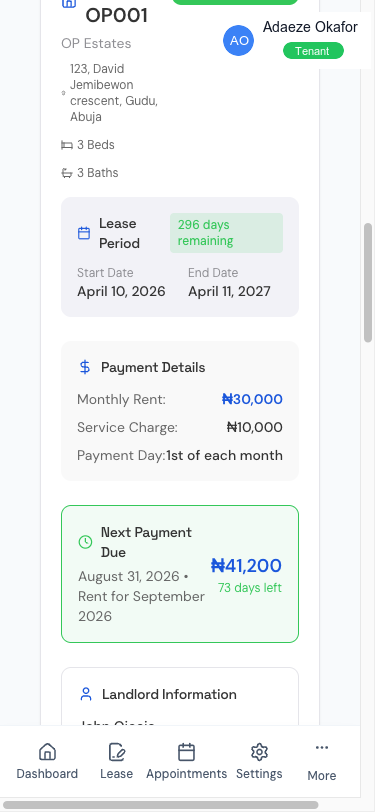
Navigate to the Payment History page (accessible via /payments/history). Every payment you have ever made appears here sorted by date descending. Each row shows:
- Payment type (RENT, SERVICE_CHARGE, SECURITY_DEPOSIT, AGENCY_FEE)
- Amount paid
- Date
- Status (SUCCESS, FAILED, REFUNDED)
- A Receipt link for every SUCCESS row
2. Open a specific receipt
Click Receipt on the row you want. A receipt viewer opens with the full document on screen: date, amount, type, estate, unit, landlord, Paystack reference, and a QR code that validates authenticity.
3. Download the PDF
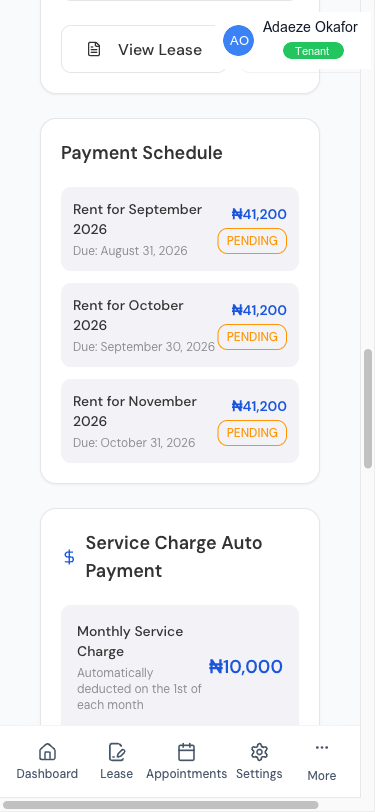
Click Download PDF at the top right. A file named tenantify-receipt-[reference].pdf saves to your downloads folder. Keep these; FIRS and state revenue services both accept them as proof of rent paid.
4. Export payment history (for tax filing)
On the history page, click Export in the top right. Tenantify generates a CSV file containing one row per payment with the date, reference, type, amount, status, and description. Save this file for your accountant or tax records.
Screenshot coming soon
Step 4: Export button on payment history
What’s on every receipt
Nigerian receipts must include specific fields to be legally useful. Tenantify’s receipts include all of them:
| Field | Why it matters |
|---|---|
| Landlord’s full name or business name | Establishes who received the money |
| Your full name | Establishes who paid |
| Estate and unit | Proves which property the payment relates to |
| Amount in naira | The claim basis |
| Payment date | Which tax year it falls in |
| Payment purpose | Rent vs deposit vs service charge (tax treatment differs) |
| Paystack reference | Independent third-party verification |
| QR code | Lets any inspector verify the receipt online |
Sharing receipts
You can forward the PDF directly from your email inbox (the Paystack and Tenantify receipts arrive after every successful payment). You can also share the receipt URL with a landlord or accountant; the link requires your login and cannot be used by anyone else.
Troubleshooting
- Download didn’t start. Pop-up blocker. Right-click the link and save target.
- Receipt missing after a payment. Receipts generate within 60 seconds of payment confirmation. If none after 15 minutes, the payment may not have been confirmed; check the payment’s detail page for a Verify with Paystack button.
- Landlord name on receipt is wrong. This usually means the landlord has updated their name on their Tenantify profile. New receipts will reflect the change; older receipts remain with the name that was on file at the time of payment (legally correct).
- QR code not scannable. Print clean and not skewed. Dark printers help.
What’s next
You have the core payment flows covered. If you have not already, set up Auto-Pay so next period’s service charge debits automatically, or revisit Viewing and Signing Your Lease for the lease-management walk-through.